
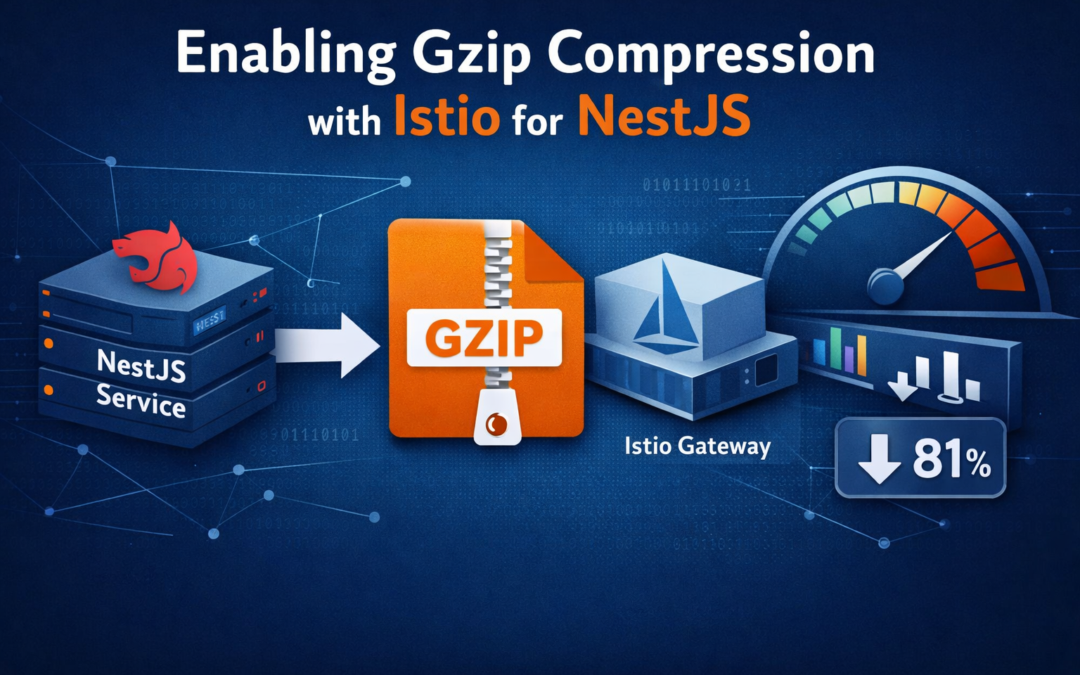
We recently enabled gzip compression in front of one of our NestJS services using Istio, and the improvement was immediate.
The biggest win was on larger JSON responses. Our API was returning payloads that were fairly repetitive and very compressible, so once gzip was turned on at the gateway, the response sizes dropped dramatically, and our k6 tests showed noticeably better latency as well.
In our case, this ended up being one of those rare optimizations that was easy to roll out and easy to justify. Small config change, measurable results.
Why this mattered
Our NestJS service returns JSON-heavy responses, including lists, nested objects, metadata, and repeated field names. That is exactly the kind of traffic gzip handles well.
Before compression, we were shipping much larger payloads than necessary over the wire. Even if your backend logic is already fast, sending oversized responses still costs time. It affects:
- response latency
- bandwidth usage
- perceived app responsiveness
- load test performance under concurrency
Once gzip was enabled, the network overhead dropped a lot, especially for endpoints returning larger datasets.
The Istio approach
Instead of enabling compression directly inside the NestJS app, we configured it at the ingress layer using an EnvoyFilter.
That gave us a few advantages:
- compression is centralized
- app code does not need to change
- multiple services can benefit from the same pattern
- infra controls compression behavior consistently
Here is the filter we used.
kind: EnvoyFilter
metadata:
  name: gzip-compression
  namespace: istio-system
spec:
  workloadSelector:
    labels:
      istio: ingressgateway
  configPatches:
    - applyTo: HTTP_FILTER
      match:
        context: GATEWAY
        listener:
          filterChain:
            filter:
              name: envoy.filters.network.http_connection_manager
              subFilter:
                name: envoy.filters.http.router
      patch:
        operation: INSERT_BEFORE
        value:
          name: envoy.filters.http.compressor
          typed_config:
            "@type": type.googleapis.com/envoy.extensions.filters.http.compressor.v3.Compressor
            response_direction_config:
              common_config:
                min_content_length: 1024
                enabled:
                  default_value: true
                  runtime_key: response_compressor_enabled
                content_type:
                  - "text/html"
                  - "text/css"
                  - "text/plain"
                  - "text/javascript"
                  - "application/javascript"
                  - "application/json"
                  - "application/xml"
                  - "application/xhtml+xml"
                  - "image/svg+xml"
                  - "application/wasm"
            compressor_library:
              name: text_optimized
              typed_config:
                "@type": type.googleapis.com/envoy.extensions.compression.gzip.compressor.v3.Gzip
                memory_level: 5
                window_bits: 15
                compression_level: BEST_SPEED
                compression_strategy: DEFAULT_STRATEGY
What this config is doing
A few parts of this config are worth calling out.
workloadSelector targets the Istio ingress gateway, which means compression is happening at the edge rather than inside the service.
min_content_length: 1024 avoids compressing tiny responses where the overhead is not worth it.
The content_type list makes sure compression is applied only to payloads that are likely to benefit, such as JSON, HTML, CSS, JavaScript, XML, and SVG.
compression_level: BEST_SPEED is a good default when you want the benefits of compression without adding too much CPU overhead. For most API traffic, that is usually the right tradeoff.
Our k6 results
We ran k6 against one of our larger JSON endpoints before and after enabling gzip. The endpoint returned account and transaction-style data, which is fairly representative of the kind of response body many NestJS APIs generate.
Here is sample data that reflects the kind of results we saw.
Test setup
- endpoint:
GET /api/accounts/:id/transactions?limit=250 - payload type: large JSON response
- virtual users: 50
- duration: 5 minutes
- environment: same cluster, same service version, only compression changed
Before gzip
http_req_duration:
  avg=412ms
  med=398ms
  p(90)=515ms
  p(95)=558ms
  p(99)=684ms

http_req_waiting:
  avg=401ms

http_req_receiving:
  avg=8.7ms

data_received:
  1.84 GB total

iteration_duration:
  avg=424ms

http_reqs:
  35,420
Average response body size for this endpoint was around:
~182 KB per responseAfter gzip
http_req_duration:
  avg=276ms
  med=262ms
  p(90)=344ms
  p(95)=381ms
  p(99)=469ms

http_req_waiting:
  avg=267ms

http_req_receiving:
  avg=4.1ms

data_received:
  356 MB total

iteration_duration:
  avg=286ms

http_reqs:
  51,030
Average compressed response body size dropped to about:
~34 KB per responseWhat improved
Using those sample numbers:
- response payload size dropped by about 81%
- average latency improved by about 33%
- p95 latency improved by about 32%
- throughput increased because clients spent less time waiting on larger payloads
That is a very meaningful improvement for a change that did not require touching endpoint logic.
Why gzip helped so much
JSON compresses extremely well because it tends to contain:
- repeated field names
- repeated object structure
- repeated values
- whitespace or verbose formatting in some cases
If your NestJS endpoint returns arrays of similar objects, compression can have an outsized impact.
For example, a list of 250 transactions might repeat keys like:
{
  "id": "...",
  "amount": 42.12,
  "date": "2026-04-10",
  "merchantName": "Starbucks",
  "category": "Food and Drink"
}
Repeat that pattern hundreds of times and gzip has a lot to work with.
Why do this in Istio instead of NestJS?
There are good reasons to handle compression at the gateway.
First, it keeps the app simpler. The NestJS service does not need to care about compression middleware or HTTP concerns that can be handled by the mesh.
Second, it standardizes behavior. If you have multiple services, you can make compression an infra concern rather than re-implementing it everywhere.
Third, it gives you a clean operational layer for tuning things like:
- minimum content length
- supported content types
- compression level
- rollout scope
That said, there are still cases where enabling compression inside NestJS makes sense.
Enabling gzip natively in NestJS
If you want to do this directly in the app, the usual approach is to use the compression middleware.
First install it:
pnpm add compression
pnpm add -D @types/compression
Then register it in your bootstrap.
import { NestFactory } from '@nestjs/core';
import { AppModule } from './app.module';
import compression from 'compression';

async function bootstrap() {
  const app = await NestFactory.create(AppModule);

  app.use(
    compression({
      threshold: 1024,
    }),
  );

  await app.listen(3000);
}

bootstrap();
That is the simplest version.
You can also tune it more explicitly:
import { NestFactory } from '@nestjs/core';
import { AppModule } from './app.module';
import compression from 'compression';
import zlib from 'zlib';

async function bootstrap() {
  const app = await NestFactory.create(AppModule);

  app.use(
    compression({
      threshold: 1024,
      level: zlib.constants.Z_BEST_SPEED,
      filter: (req, res) => {
        const contentType = res.getHeader('Content-Type');
        if (typeof contentType === 'string' && contentType.includes('application/json')) {
          return compression.filter(req, res);
        }

        return compression.filter(req, res);
      },
    }),
  );

  await app.listen(3000);
}

bootstrap();
Istio vs NestJS compression
There is no single correct answer. It depends on where you want responsibility to live.
Use Istio if
- you already have Istio in place
- you want compression centralized
- you want consistent behavior across many services
- you want to avoid repeating middleware setup in every app
Use NestJS if
- the service is not behind Istio
- you want app-level control
- you need compression behavior to vary per service
- you want to test and ship it entirely within application code
In many teams, the infra-layer approach ends up being cleaner.
Things to watch out for
Compression is usually a win, but there are still a few things to keep in mind.
- Do not compress everything blindly. Small responses often do not benefit much.
- Do not compress already compressed assets like JPEGs, PNGs, or many binary formats.
- Watch CPU usage if you crank the compression level too high.
BEST_SPEEDis often a good tradeoff for APIs. - Test real endpoints, not toy ones. Compression gains depend heavily on payload size and structure.
- Also make sure your clients are actually sending
Accept-Encoding: gzip. Most browsers and standard HTTP clients already do, but it is worth confirming in load tests and service-to-service traffic.
A practical way to validate this yourself
If you want to prove the impact in your own environment, pick one larger endpoint and compare:
- response size before and after
- average latency
- p95 latency
- total data transferred
- CPU usage at the gateway or app layer
That gives you both the user-facing performance story and the operational cost story.
Final thoughts
Compression is not flashy, but it is one of those optimizations that can deliver immediate value with very little risk.
For us, enabling gzip at the Istio ingress gateway made a clear difference. Response sizes dropped significantly, latency improved in k6, and the rollout was straightforward.
If your NestJS service returns medium to large JSON payloads, this is absolutely worth testing.
And if you are already running Istio, it is often a very clean place to enable it.